SnapPlan
Turn everyday words and images into plans you can act on.
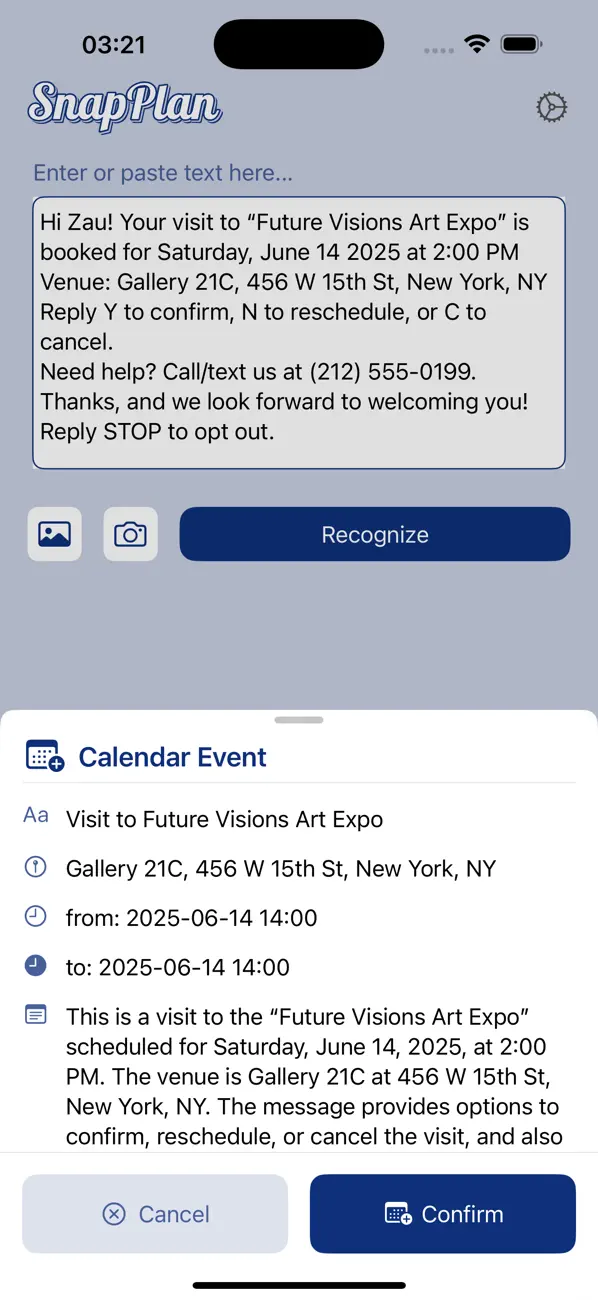
SnapPlan reads text from messages, photos, screenshots, or speech, turns it into a proposed calendar event or reminder, and lets you review the details before saving.
Download on the App StoreFrom text to calendar in a few taps
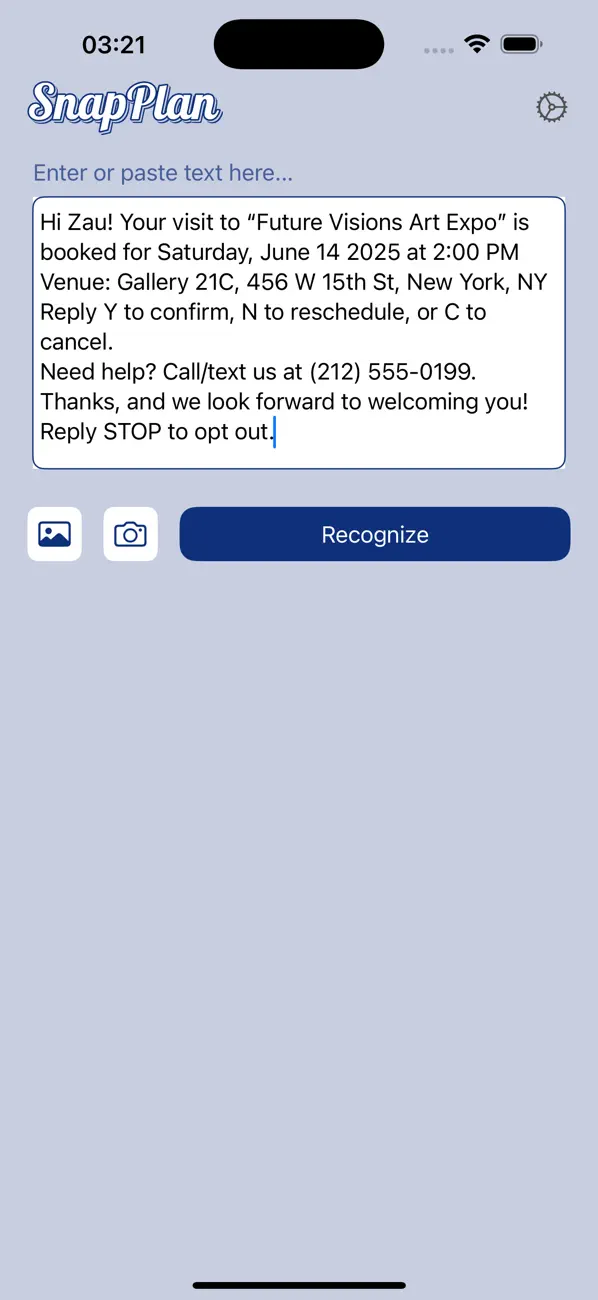
Paste or capture information, review the structured result, then choose what is added.
Capture a plan before it gets lost
Important dates often arrive as messages, posters, screenshots, or spoken notes instead of calendar files. SnapPlan gathers that unstructured information, proposes a calendar event or reminder, and keeps the final decision with you.
How SnapPlan works
- Snap a picture of an event poster, whiteboard, or flyer.
- Paste text from an email, message, or website.
- Import a screenshot or choose an image from Photos.
- Speak a plan when typing would slow you down.
- Review the proposed title, location, date, time, and notes.
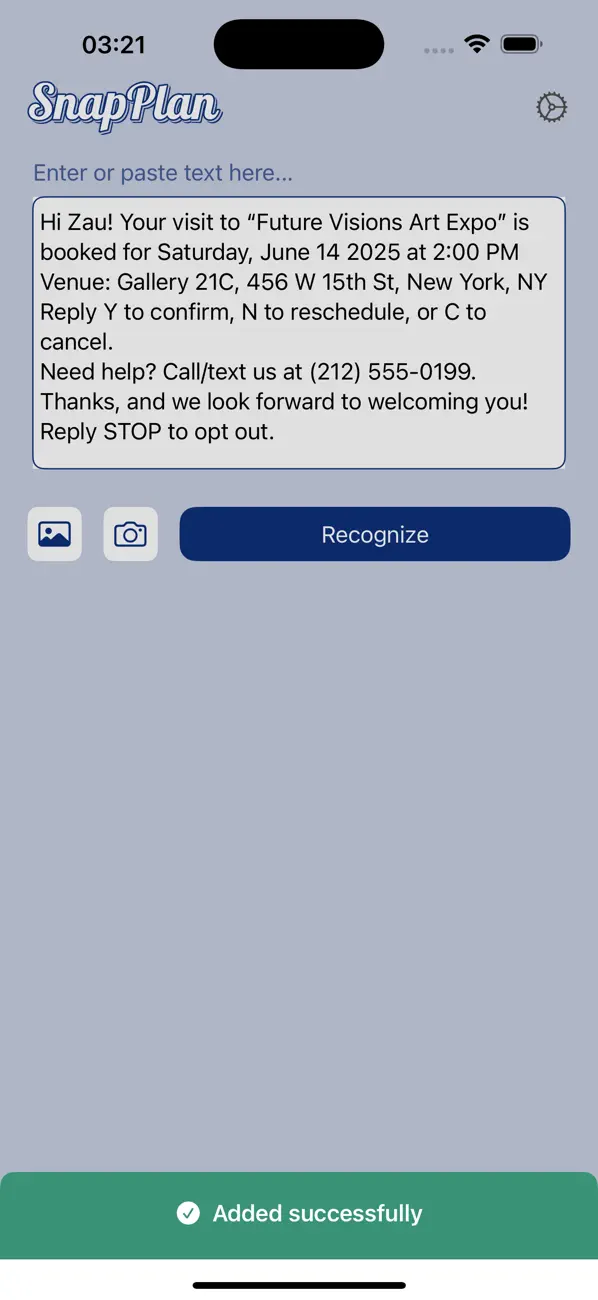
- Confirm only when the result is ready for Apple Calendar or Reminders.
Vision OCR extracts text from selected images on the device, and Apple’s Speech framework transcribes voice input locally. SnapPlan then sends the recognized text and limited request context to its server so the schedule can be structured as an event or reminder.
Review before anything is saved
Recognition is a draft, not an automatic action. SnapPlan shows the parsed result first so you can check ambiguous dates, time zones, names, places, and notes before granting the final save to Calendar or Reminders.
An event preference lets you choose whether every result should become a calendar event or whether SnapPlan may suggest a reminder when that fits better.
Clear privacy boundaries
No account is required. The app’s current privacy notice says submitted recognition content is processed by the server without persistent storage. SnapPlan also uses Firebase Analytics without advertising-ID support for basic product analytics.
Because text is sent for server-side schedule parsing, do not submit secrets or sensitive information you would not want processed remotely. You remain responsible for reviewing every result before saving or acting on it.
Free use and system requirements
The release configuration includes a limited number of free text and image recognitions. Optional monthly, quarterly, and annual subscriptions remove those recognition limits. Apple shows current products, prices, and availability in the App Store and inside the app.
SnapPlan requires iOS or iPadOS 18.4 or later.
Current App Store version: 1.6. Product information reviewed July 30, 2026.